Explanation:
I am going to follow an electronics tutorial that I received when I purchased the Freenove Ultimate Starter Kit for Raspberry Pi and record how things go as I progress.
Tutorial One
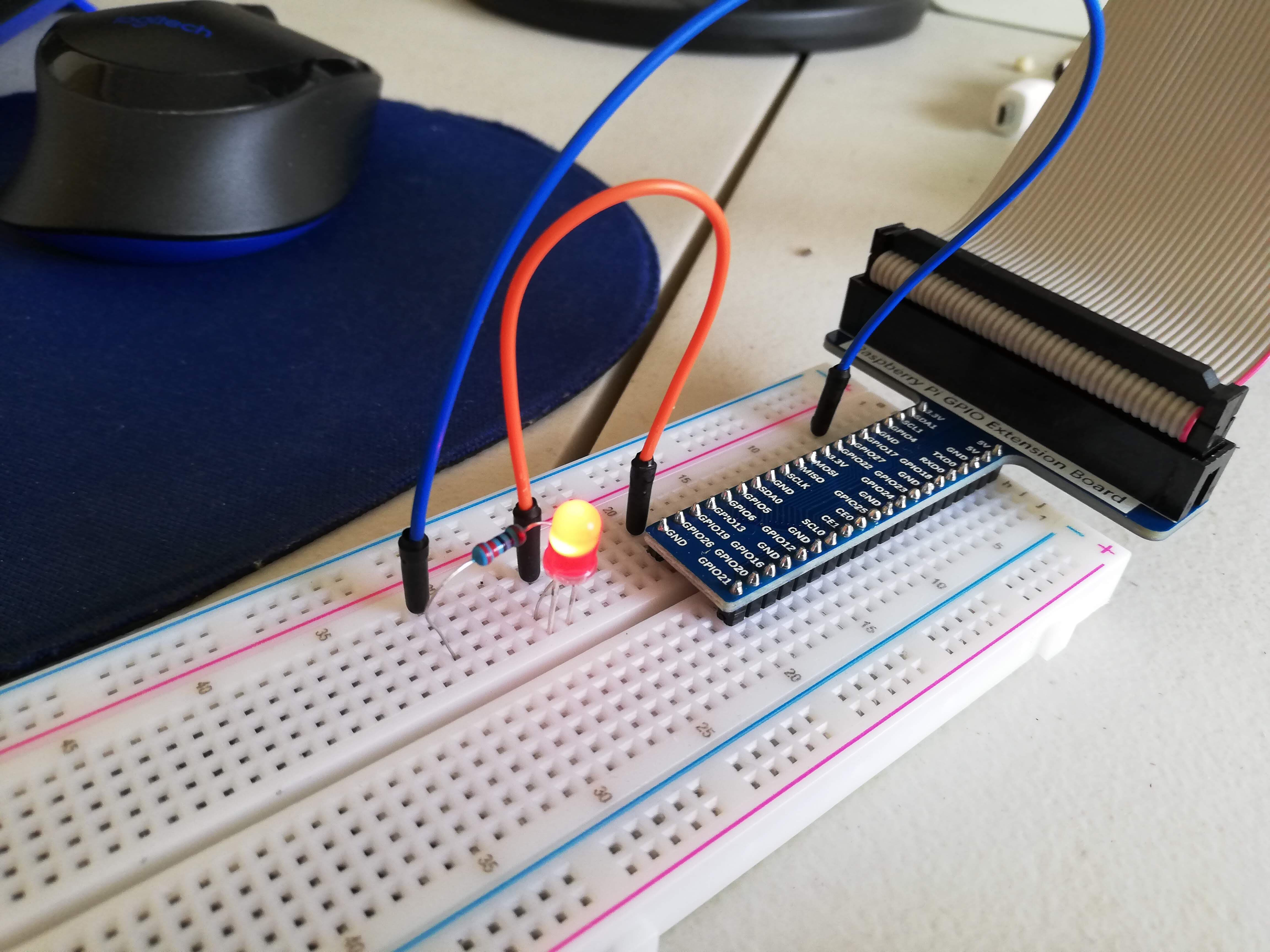
A blinking LED. Run the python code on the Raspberry Pi computer and the LED will blink every second until the python script is interrupted.
Tutorial Two
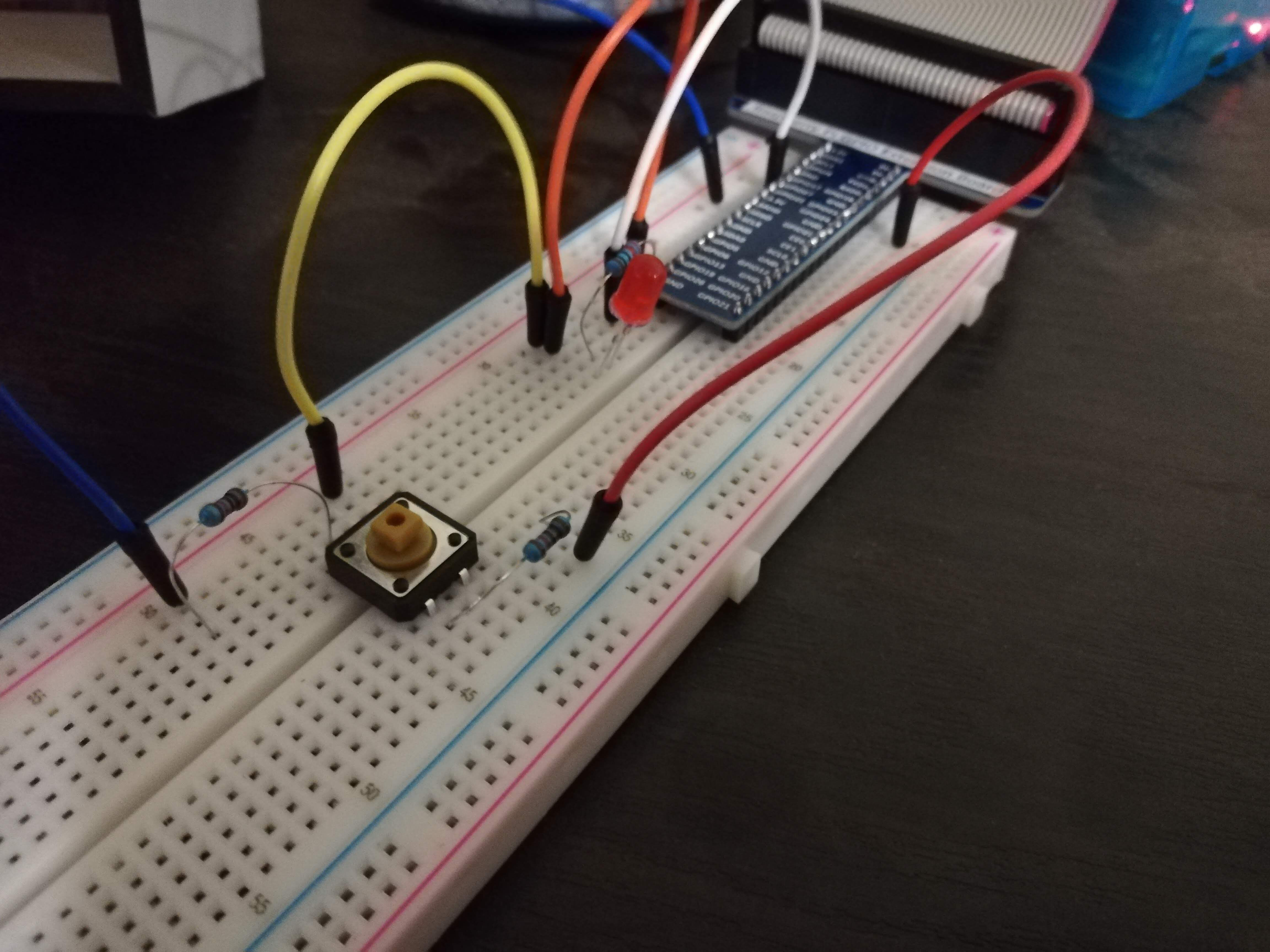
A button that controls the LED. Click it on and off.
Comments:
- I set up the breadboard first and plugged in all of the various elements.
- I then downloaded the code and ran it to check for problems before I re-typed the code for myself.
- The probelms that I encountered was that it wasn't running at first. After reviewing the board I identified that I had failed to plug the wires into the correct row next to the button.
- After fixing the wires next to the button, I re-ran the code and it worked smoothly.
- Then I typed out the python code for myself and ran it; but it didn't work first time.
- After identifying a few typos, I got the code running and it worked as promised.
Tutorial Three
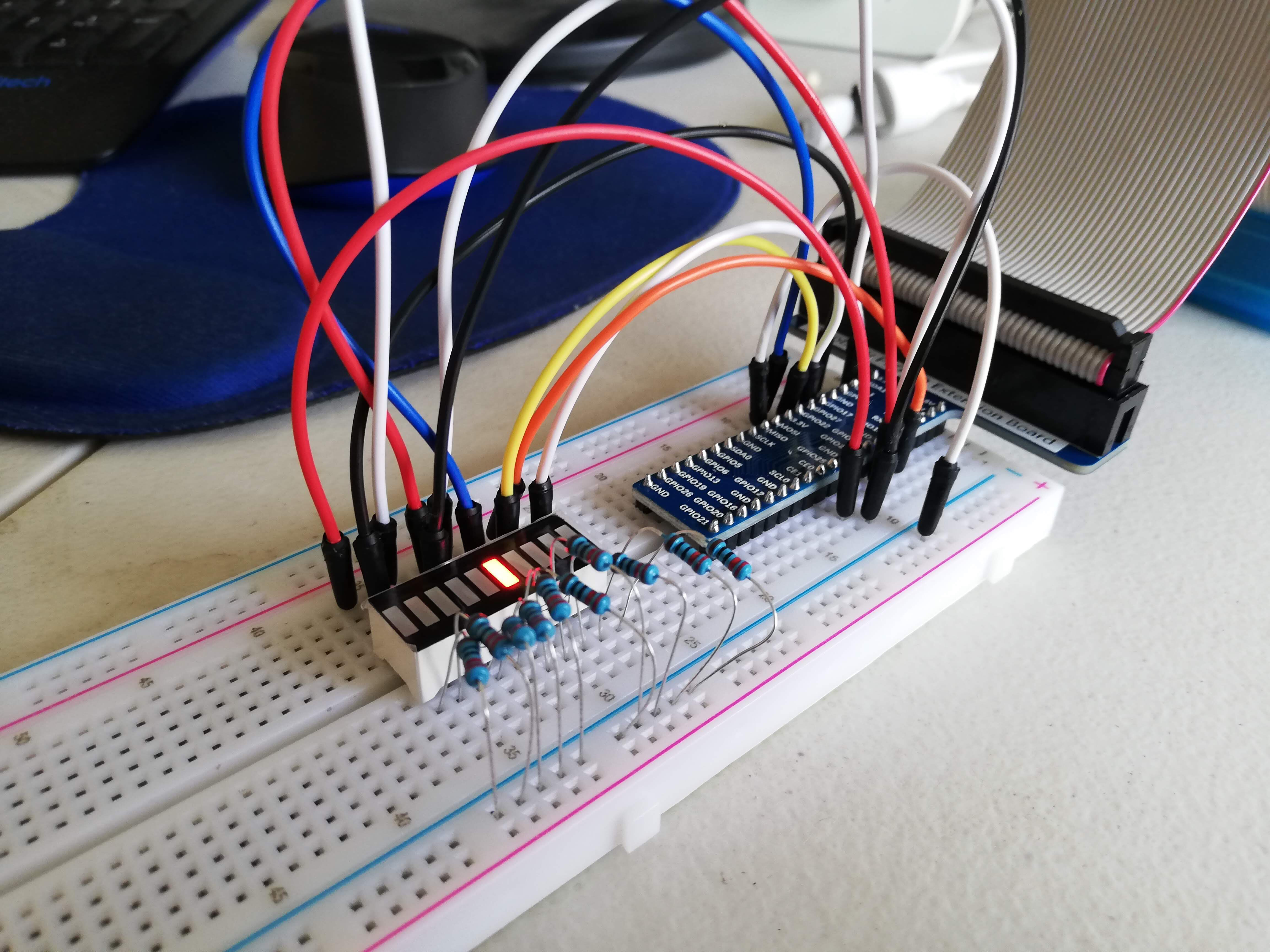
Light Water: a special little board that has 10 little lights attached to it. The program that I wrote from the tutorial means that the lights turn on and off in order all the way up and down the board... somewhat like water flowing.
Comments:
- I set up the breadboard first and plugged in all of the various elements.
- I then tested a copy of the code from the tutorial. The code ran but the lights did not work
- Upon investigation I found that I had missed a wire that goes from 3.3v one the GPIO extension board and connects to the outside negative line on the side of the breadboard.
- I then restarted the code and it worked.
- Once running I noticed that one of the lights was not actually turning on. The lights skipped over it. I investigated the wires for that light and it appeared to be in order. I decided to ignore this anomally for now as it still looked good.
Tutorial Four
A fluctuating LED. Run the python code on the Raspberry Pi computer and the LED will fluctuate between bright and dull until the python script is interrupted.
Comments:
- None
Tutorial Five
Colourful LED. Run the python code on the Raspberry Pi computer and the LED will change colours into various random colours until the python script is interrupted
Comments:
- None
Tutorial Six
Door Buzzer. Run the python code on the Raspberry Pi computer and then press the button and the door buzzer will sound. Let go of the button and the buzzer will stop sounding.
Comments:
- I am not sure why there is still a quieter buzzer noise the whole time, whether the buzzer is pressed or not. But at least it generally works.